Redesign Your Living Room Free With a Photo (AI Tips)
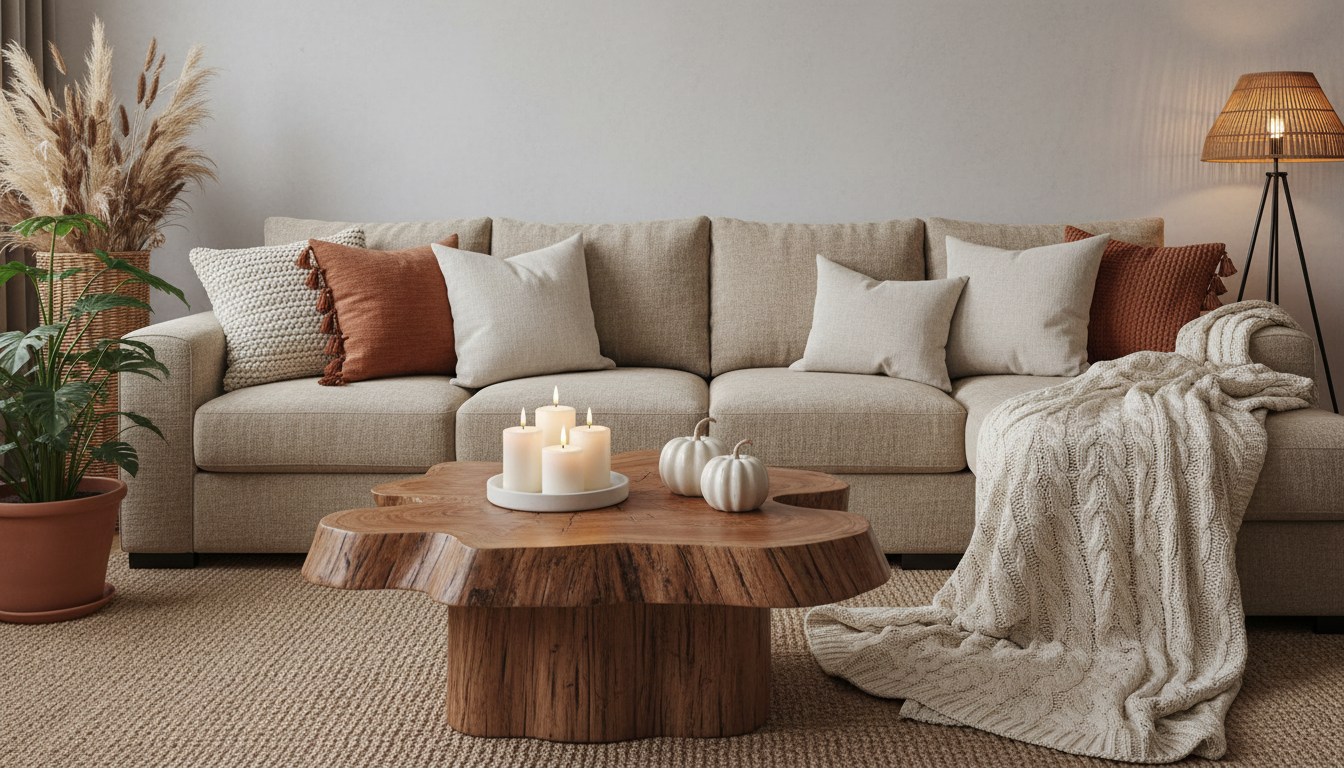
Can I take a picture of my living room and redesign it for free?
Yes—you can take a picture of your living room and generate redesign ideas for free using room-planning apps and AI “scan my space” tools. A quick photo (or a short video scan) can help you test layouts, experiment with color, and preview new decor before you buy anything. Our team recommends treating these free redesigns as a fast way to narrow down direction, then making a simple plan for lighting, layout, and texture so your final room feels intentional and livable.
How to get a free photo-based redesign that’s actually useful
Start by taking two wide photos from opposite corners in daylight, plus one close-up of problem areas (like a blank wall or awkward corner). Keep the camera level and include the floor, ceiling line, and any windows—those details help tools scale furniture more realistically.
Next, pick a free tool that lets you either (1) place furniture on a photo, or (2) generate style variations (modern, cozy, minimal, etc.). Use the results to choose one strong direction, not ten mixed ideas.
Turn the free mockup into a real plan
Once you have a concept, lock in three foundations:
- Layout: Decide your main pathway first, then float seating to create a conversation zone. A rug should usually anchor the front legs of key pieces to avoid “islands.”
- Lighting: Layer light—overhead plus at least one floor or table lamp—so evenings feel warm instead of flat. A dimmable bulb makes a bigger difference than most people expect.
- Texture: Use a mix like woven, knit, wood, and soft upholstery to keep the room cozy even with a simple color palette.
If you want a step-by-step blueprint for comfort-driven styling, our team put together a deeper guide you can use alongside any free redesign tool: cozy living room lighting, texture, and layout ideas.
What to double-check before you buy
Free redesign previews can be off on scale and color. Measure key spans (sofa wall, rug area, walkway width) and choose a consistent palette: one dominant neutral, one supporting tone, and one accent color repeated 2–3 times around the room.
FAQ
What’s the best way to choose a cohesive color palette for a living room?
Pick one main neutral for large surfaces, a secondary color for medium items like rugs or curtains, and an accent color for smaller repeats like pillows and art. Keeping undertones consistent (warm with warm, cool with cool) makes the room feel pulled together.






Leave a comment